The Rise of the "Personal Broadcast Studio": Pro-Level Streaming from Your Home Setup.
Hey there, future broadcasting legend! 👋 Ever dreamed of having your own TV show, concert stage, or podcast studio, all without leaving your comfy PJs? Well, guess what? That dream is more real than ever! Forget those massive, expensive broadcast studios you see in movies. Today, thanks to some seriously cool tech, you can build your very own "Personal Broadcast Studio" right in your home. And the best part? It's easier and more affordable than you might think!
This isn't just about throwing up a webcam and yelling into a mic. We're talking about achieving pro-level quality – the kind that makes your audience go, "Whoa, how'd they do that from their bedroom?" So, grab a snack, settle in, and let's dive into how you can turn your humble abode into a broadcasting powerhouse! 🚀
🛋️ Why Your Living Room is the New Broadcast Hub (and Why That's Awesome!)
Remember when only big TV networks and record labels could create high-quality content? Those days are as dusty as a forgotten VHS tape! 📼 The internet has completely leveled the playing field. Now, whether you're a musician performing live, a gamer streaming your epic wins, a podcaster sharing your wisdom, or a teacher reaching students worldwide, your home can be your stage.
Why is this a game-changer?
- Freedom! You call the shots. No more waiting for studio time, no more hefty rental fees. Your creative flow isn't dictated by anyone else's schedule or budget. 🧘♀️
- Authenticity! Audiences love realness. There's something incredibly engaging about seeing a creator in their own space, sharing their passion directly. It builds a stronger connection. ❤️
- Cost-Effective! While we'll talk about some awesome gear, the investment for a personal broadcast studio is a tiny fraction of what a traditional setup would cost. You can start small and grow.
- Reach! With platforms like YouTube, Twitch, Facebook Live, and more, your content can literally reach billions of people across the globe.🌍 Your fan base could be anywhere!
This shift is super exciting because it puts the power of creation directly into your hands. It's about expressing yourself, sharing your talents, and building a community, all from the comfort of your own home base.
👀 Your Visual Arsenal: Beyond the Built-in Webcam (Because Pixels Matter!)
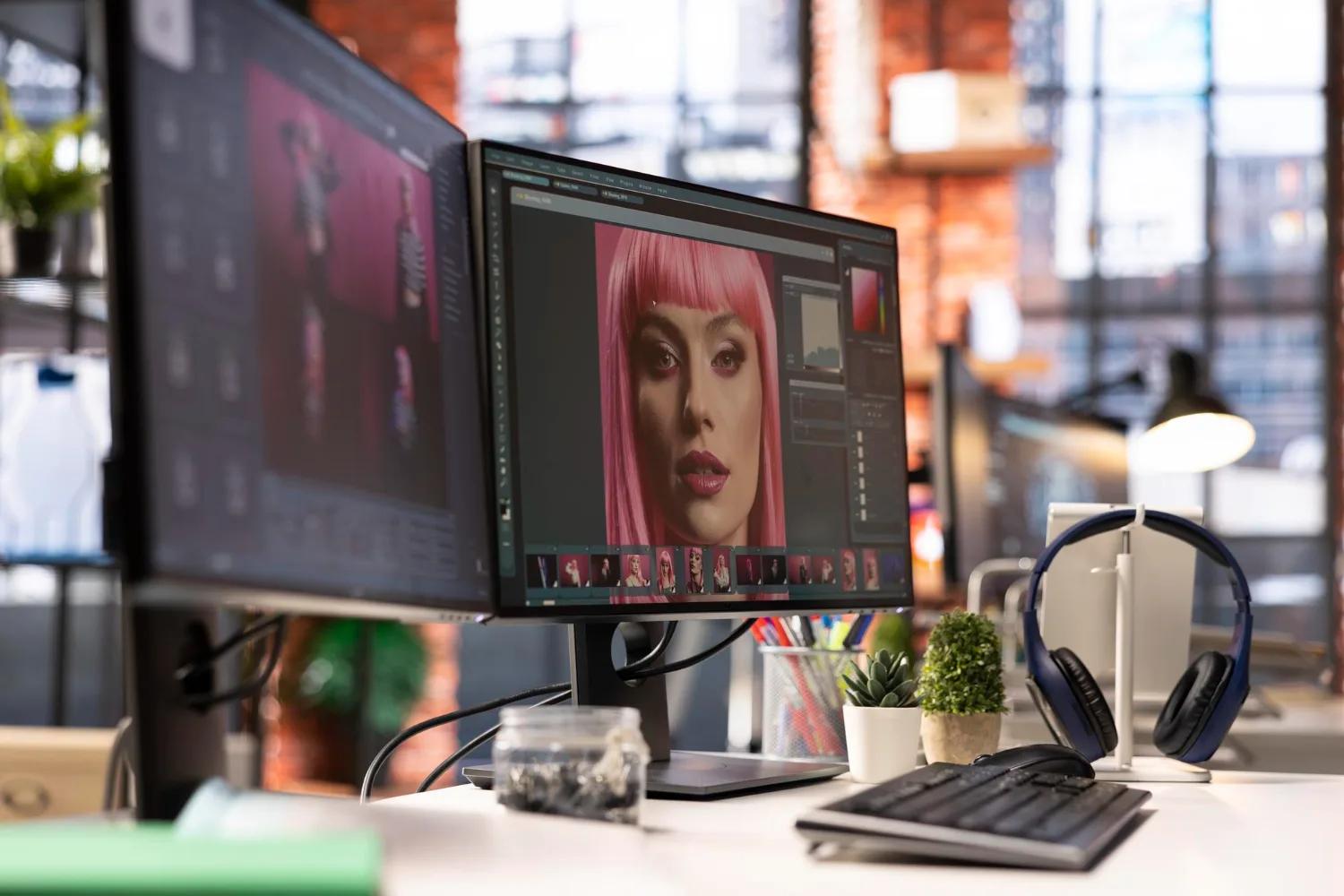
Let's be honest, that webcam built into your laptop? It's fine for a quick video call with Grandma, but for pro-level streaming, we need to step it up! Your visuals are your first impression, and we want to make it a great one.
- The Pro-Level Webcam Upgrade: Forget grainy, dark images! Dedicated webcams like the Logitech Brio or the Razer Kiyo Pro offer much better resolution (often 1080p or even 4K!), improved low-light performance, and wider fields of view. They're plug-and-play, super easy to use, and a huge leap forward. Think crisp, clear video that makes you look like a pro. ✨
- Stepping Up to a Mirrorless/DSLR Camera: Want that buttery-smooth, cinematic look? Many mirrorless or DSLR cameras (like those from Sony, Canon, or Panasonic) can now be used as incredibly high-quality webcams. You'll need a special "capture card" (like the Elgato Cam Link 4K) to connect them to your computer, but the results are stunning. Imagine a shallow depth of field, where you're perfectly in focus and your background is softly blurred – super professional! 🤩
- The Secret Weapon: PTZ Cameras: Okay, this might sound fancy, but PTZ stands for Pan-Tilt-Zoom. These cameras can move, tilt, and zoom remotely! If you're a musician who moves around a lot, or you're presenting different elements in your space, a PTZ camera (like some from OBSBOT Tiny for solo creators, or more professional options like those from PTZOptics) can follow you or switch angles automatically. It's like having a camera crew, but without the awkward small talk! 🎥
No matter which camera you choose, remember good lighting is your best friend. A simple ring light or softbox can make a world of difference, making you look vibrant and professional. Think of it like putting a spotlight on your awesome content! 💡
👂 Audio Excellence: Sounding Like a Million Bucks (Without Spending It!)
This is crucial. You can have the most beautiful video in the world, but if your audio sounds like you're broadcasting from inside a tin can, people will tune out faster than a bad commercial. Good audio isn't just a nice-to-have; it's a must-have for any serious broadcaster.
- Ditch the Built-in Mic! Just like with webcams, the microphone in your laptop or webcam is usually not going to cut it. It picks up everything – your keyboard clicks, your dog barking, the neighbor's leaf blower. We want to isolate your voice! 🗣️
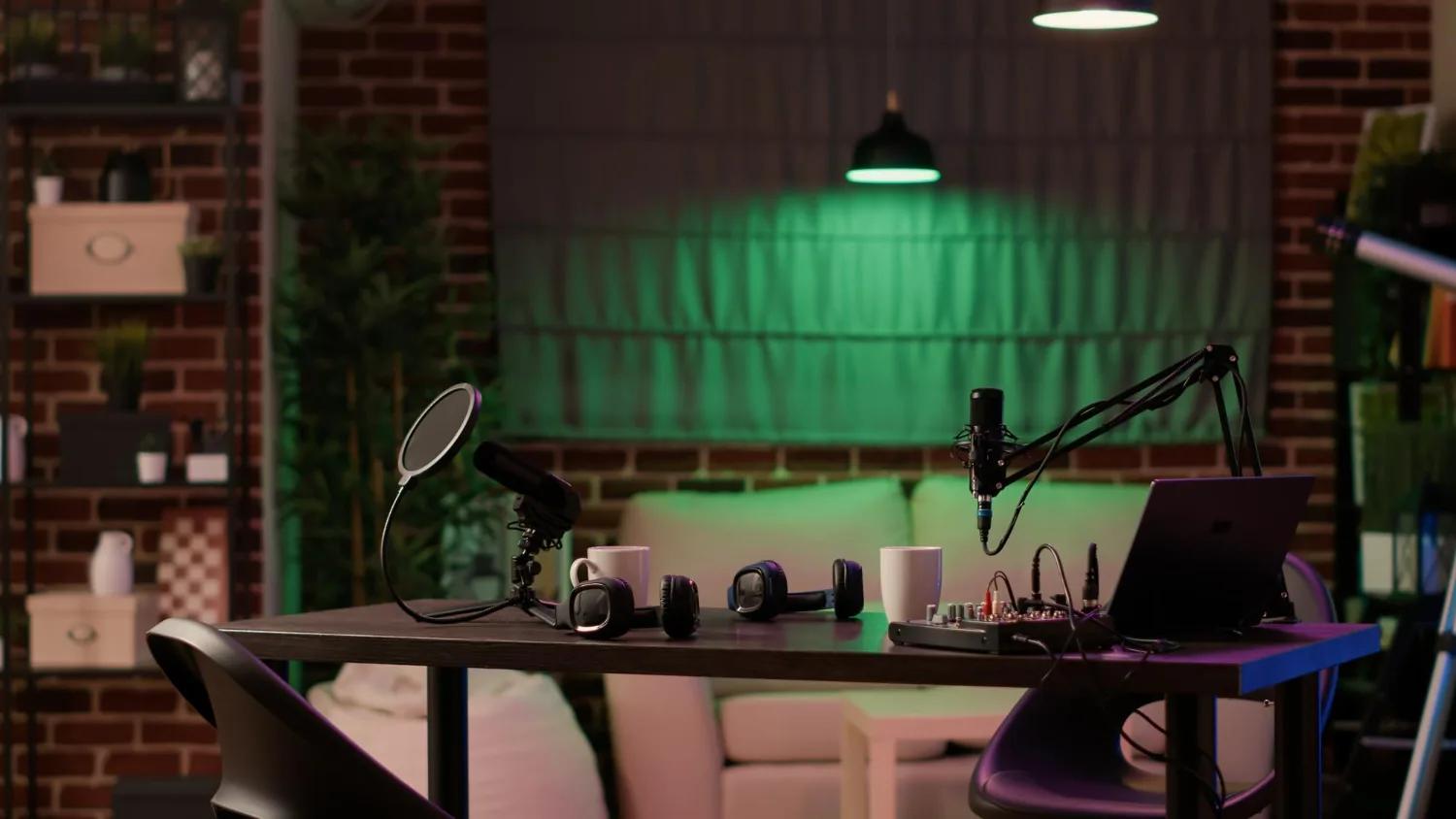
- USB Microphones: The Easy Win: For solo streamers, a good USB microphone is a fantastic starting point. Brands like Blue Yeti, Rode NT-USB+, or HyperX QuadCast offer excellent sound quality, are super easy to set up (just plug 'em in!), and can make your voice sound rich and clear. They're perfect for commentary, podcasts, or solo instrument recording. 🎤
- XLR Microphones + Audio Interfaces: The Pro Setup: If you're serious about multiple inputs (e.g., you singing, someone else talking, an instrument), you'll want an XLR microphone (like a Shure SM7B or a Rode Procaster) combined with an audio interface. An audio interface (like the Focusrite Scarlett series or Behringer UMC202HD) is a magical box that converts the professional signal from an XLR mic into something your computer understands. It also lets you connect multiple mics, instruments, and headphones, giving you incredible control over your sound. This is where music producers truly shine! 🎸
- Mixers & Processors for the Master Chef of Sound: For even more control, especially in live music scenarios, a small digital mixer (like the Zoom LiveTrak L-8 or RodeCaster Pro II) or a dedicated audio processor can be amazing. These let you adjust levels for multiple sources, add effects (like reverb for vocals!), and even sweeten your sound in real-time. Think of it as your personal sound engineering desk. 🎚️
Remember, room acoustics matter! Try to record in a space with carpets, curtains, or even foam panels to reduce echo and make your audio sound cleaner. A little effort here goes a long way.
🎛️ Your Command Center: Software for Streaming Like a Pro
Now that we have awesome visuals and crystal-clear audio, how do we get it all out to the world? That's where streaming software comes in. This is your digital control panel, letting you switch between cameras, add graphics, play videos, and manage your live stream.
- OBS Studio: The Free & Mighty Champion: If you're just starting, OBS Studio (Open Broadcaster Software) is your best friend. It's free, open-source, and incredibly powerful. You can add multiple video sources (your webcam, screen share, pre-recorded videos), audio sources, images, text overlays, and more. It has a bit of a learning curve, but there are tons of tutorials out there, and the community support is fantastic. It's the Swiss Army knife of streaming software! 🛠️
- Streamlabs OBS: OBS with Extra Sprinkles: Streamlabs OBS (SLOBS) is built on OBS Studio but adds a lot of user-friendly features, especially for gamers and entertainers. It integrates chat widgets, alerts for new followers/donations, and pre-built themes, making it super easy to set up an engaging stream. It’s OBS with a smoother, flashier interface. ✨
- vMix: The Pro-Level Powerhouse (for those who mean business!): For serious broadcasters, event streamers, or anyone doing complex productions, vMix is a beast. It's paid software but offers incredible features like multiple camera inputs, instant replay, virtual sets, animated graphics, and professional audio mixing. If you're running a full-blown online concert or a multi-speaker conference, vMix is your go-to. It's like having a broadcast truck in your computer! 🚛
No matter which software you choose, spend some time getting familiar with it. Practice going live without actually broadcasting (just to yourself or a friend) to get comfortable with switching scenes and managing your inputs.
📡 Optimizing Your Internet Bandwidth & Engaging Your Audience: Beyond the Broadcast
You've got the gear, you've got the software – now let's make sure your content actually reaches your audience smoothly and keeps them hooked!
- Internet Bandwidth: Your Digital Highway: This is often overlooked but super critical. A fast, stable internet connection is non-negotiable for smooth, high-quality streaming. You need good upload speed (not just download speed!). Do a speed test (just search "internet speed test" on Google) and aim for at least 10-20 Mbps upload for 1080p streaming. If you can, use an Ethernet cable directly to your router instead of Wi-Fi for maximum stability. Wi-Fi can be flaky, and dropped frames are a streamer's nightmare! ⚠️
- Encoding Settings: The Quality vs. Performance Balancing Act: In your streaming software, you'll find settings for "bitrate" and "encoder." Bitrate determines the quality of your video stream – higher means better quality but uses more bandwidth. The encoder (usually NVENC for NVIDIA GPUs or Quick Sync for Intel CPUs) uses your graphics card to process the video, taking the strain off your CPU. Experiment to find a balance that looks great without causing dropped frames or lag.
- Engaging Your Audience: It's Not Just About Hitting "Go Live"!
- Chat Interaction: Read your chat! Respond to questions, acknowledge comments, and make your viewers feel seen. It's a two-way street! 💬
- Polls & Q&As: Use built-in platform features or third-party tools to run polls, ask questions, and get your audience involved in your content.
- Visual Flair: Use overlays, lower thirds (those cool text boxes at the bottom of the screen with names or info), and animated alerts for followers/subscribers. Streamlabs OBS makes this super easy! 🎉
- Consistent Schedule: Try to stream at regular times. Your audience will know when to expect you and build a habit of tuning in.
- Call to Action: Tell people what you want them to do! "Like this video," "Subscribe to my channel," "Check out my music," etc.
Remember, streaming isn't just about broadcasting; it's about building a community. The more you interact and make your audience feel like part of the experience, the more they'll come back!
🚀 Conclusion: The Future is Now: Your Home Studio Awaits!
So there you have it! The rise of the "Personal Broadcast Studio" isn't a sci-fi fantasy; it's a reality. We've talked about upgrading your visuals with pro webcams and even DSLRs, making your audio sound amazing with dedicated microphones and interfaces, and mastering your stream with powerful software like OBS Studio. We also covered the crucial aspects of internet speed and audience engagement.
The beauty of this revolution is that it democratizes creation. You don't need a massive budget or a team of engineers to put out high-quality content. With a little research, some smart investments in gear, and a passion for what you do, your home setup can truly rival a professional studio.
Whether you're a musician looking to share your latest tracks, a gamer wanting to entertain, an educator sharing knowledge, or just someone with a story to tell, your personal broadcast studio is your gateway to reaching the world. So, what are you waiting for? Dive in, experiment, learn, and most importantly, have fun! The world is ready to hear (and see!) what you've got. Happy streaming! 🚀🎶🎬